-
-
Sort through our administrative resume examples to see what works best for you.
-
Our sales resume examples can help you write the best possible resume.
-
Explore our food service resume examples to show your skills effectively.
-
Start crafting your job-winning resume with our teaching resume examples.
-
-
-
Use our administrative cover letter examples for ideas on writing your own.
-
Use our sales cover letter examples to effectively show your sales accumen.
-
Write your job-winning cover letter following our nursing cover letter examples.
-
Learn to tell your story in education using our teaching cover letter examples.
-






- Our customers have been hired by*


Entry-Level CAD Technician Resume
This resume example showcases the CAD technician's relevant skills and accomplishments, making it an ideal fit for recent graduates and career changers aiming to excel in technical design roles.

Why this resume works:
A strong academic foundation shows the candidate is well-prepared to transition into this role.

Mid-Career CAD Technician Resume
This resume example is perfect for CAD technicians looking to leverage their experience in design and drafting while advancing into more specialized roles or projects.
Why this resume works:
Mid-career cad technicians can highlight achievements like streamlining drawing revisions by 30%, which improved project turnaround times.

Experienced CAD Technician Resume
This CAD technician resume showcases a strong mix of technical expertise and leadership potential, perfect for those pursuing higher-level roles in engineering design.
Why this resume works:
Leadership roles and advanced certifications underscore the ability to manage complex scenarios.

Looking for something else?
Create Your Standout Resume Today
Use our resume examples for inspiration on organization, color, and design—and learn how to summarize your cad technician skills and experience with confidence.

How to Write a CAD Technician Resume
Learning how to write a resume is important for a CAD technician, as it allows you to highlight your unique value and skills beyond merely listing your qualifications. By showcasing your experience in CAD software and technical expertise, you can capture the attention of potential employers.
In the upcoming sections, we’ll outline step-by-step guidance on how to write a resume specifically for CAD technicians. You’ll discover essential resume tips on structuring your resume, emphasizing relevant skills, and presenting your work history.
Start with your contact info
The header section contains all your contact information, prominently displayed at the top of your resume. Begin with your name in a bold, larger font to ensure it captures attention right away. You can also use a professional-looking font or a subtle background color to improve visibility without distracting from the content.
Next, include important contact details such as your email address, phone number, and location; just city and state will suffice. This information is vital for recruiters to reach you promptly and aids applicant tracking systems in filtering applicants by proximity to job locations.
Lastly, consider adding links to relevant certifications or training programs along with an online portfolio if applicable. These additional resources can showcase your technical skills and design projects, providing potential employers with a clearer picture of your qualifications as a CAD technician.
Write a strong professional summary
A professional summary acts as your resume's opening statement, found right beneath your contact details. It serves as a snapshot of your qualifications and sets the tone for the rest of your application.
In this section, you should highlight key skills, relevant experience, and a touch of your passion for the CAD technician role. Customizing it for each job application ensures that you capture the attention of recruiters by aligning with their specific needs.
To craft a strong summary, consider looking at resume summary examples tailored for CAD technicians. These can provide insight into effective phrasing and structure that resonates with potential employers.
Strong vs weak CAD technician summary
Strong

"Detail-oriented CAD technician with over five years of experience in architectural and engineering design. Proficient in AutoCAD and Revit, with a proven track record of delivering high-quality technical drawings on time and within budget. Recognized for innovative problem-solving skills and effective collaboration with multidisciplinary teams to improve project outcomes."
Why this example works: This summary describes the job seeker’s relevant experience, highlights measurable achievements like timely delivery of projects, showcases key skills such as skill in AutoCAD, and incorporates keywords relevant to CAD technician roles.
Weak

"CAD technician seeking a position to apply my skills in drafting and design. I have some experience working on projects and enjoy collaborating with others."
Why this example doesn't work: This professional summary is weak because it uses vague language and fails to highlight specific skills, achievements, or relevant technical expertise that would make the job seeker stand out.

Highlight your interpersonal skills, such as teamwork and problem-solving, on your CAD technician resume. Use specific examples from past projects to illustrate how these abilities improved collaboration with engineers and clients, showcasing your ability to contribute positively to workplace dynamics.
Share your work history
Your work history is a critical element of your resume. Listing your roles in reverse chronological order emphasizes your most recent and relevant experience first. This format allows recruiters to easily see your career development and suitability for the position.
When detailing your work history, focus on:
- Job title and employer name
- Dates of employment (month and year)
- Daily responsibilities (What tasks did you perform regularly?)
- Significant achievements (Did you improve design processes or improve project outcomes?)
- Quantifiable impacts (For example, "completed projects 10% under budget.")
Finally, ensure you use dynamic action verbs to vividly illustrate your contributions.
Strong vs weak CAD technician work history
Strong
CAD Technician, ABC Engineering Solutions
2018–2023
- Developed over 150 detailed technical drawings for mechanical components, ensuring compliance with industry standards.
- Collaborated with engineers to optimize design processes, reducing project turnaround time by 20%.
- Provided training and support to junior technicians, improving team productivity and skill level.
Why this example works: This work history for a CAD technician highlights specific projects and achievements that showcase technical abilities.
Weak
Cad Technician
ABC Engineering
- Created technical drawings and documents.
- Assisted with project designs.
Why this example doesn't work: This entry is ineffective because it does not specify the types of projects worked on, lacks timeframes for employment, and describes vague tasks that could apply to any CAD technician role.
If you are a CAD technician with over 10 years of experience, consider using a chronological resume format. This approach highlights your career growth and showcases your extensive expertise in various projects, clearly demonstrating to potential employers how you've advanced in the field.
Highlight your key skills
The skills section of your resume is essential for demonstrating your qualifications as a CAD technician. Here's a rundown of the various skill types and their significance in improving your candidacy:
- Soft skills are personal attributes that indicate how you collaborate with others, such as attention to detail, communication, and teamwork. For CAD technicians, skills like problem-solving and adaptability are important because they ensure accurate designs and effective collaboration with engineers and architects.
- Hard skills for a CAD technician involve specific technical abilities acquired through training and hands-on experience. These include skill in AutoCAD, 3D modeling, blueprint reading, and spatial awareness.
- Technical skills are essential for a CAD technician to demonstrate expertise with design software and drafting tools. Key examples include using AutoCAD for 2D and 3D modeling, SolidWorks for product design, and Revit for building information modeling.
For CAD technicians who are just starting out, it's beneficial to place your skills section near the top of your resume. This approach highlights your abilities, even if you have limited experience. On the other hand, if you possess a robust work history, position this section after detailing your previous roles to showcase how your experience reflects those skills.
Top 15 skills for your CAD technician resume
When creating your resume, it’s important to select skills that align with the job you want. Focus on a mix of soft skills, like teamwork and problem-solving, along with hard skills such as skill in CAD software. Including transferable skills can also demonstrate your adaptability across different roles.
Here’s a list of the 15 most popular skills for CAD technicians, based on insights from JobHero users. These skills represent what employers are looking for in job seekers and can help make your resume stand out in this competitive field.
Build your education section
When applying for a CAD technician role, the emphasis on your education section should align with your career stage and industry norms. For seasoned professionals with extensive experience, your work history will likely outshine educational achievements. In such cases, consider placing education at the bottom or omitting it if it's not important to the position.
However, if you're a recent graduate or entering a specialized field within CAD technology, showcasing your education prominently is vital. Position it near the top of your resume and include details like relevant coursework and certifications that demonstrate your expertise in CAD tools and methodologies.
Regardless of experience level, ensure any licenses or certifications are clearly listed, as they are often required in technical roles like CAD technician positions.
20 action verbs to add to your resume
Using action verbs in your resume as a cad technician makes it more compelling by conveying your experience. These verbs transform routine job descriptions into engaging narratives, highlighting your achievements and contributions.
Select action verbs that align with CAD-specific skills like designing, drafting, or modeling. This ensures your resume resonates with key attributes sought in job postings.
- Designed
- Drafted
- Reviewed
- Analyzed
- Optimized
- Calculated
- Created
- Sustained
- Refined
- Executed
- Presented
- Facilitated
- Researched
- Illustrated
- Updated
- Adjusted
- Verified
- Integrated
- Streamlined
- Collaborated
Consider additional resume sections
While your core resume provides the most critical information, adding targeted sections can showcase your unique qualifications. These sections help hiring managers quickly identify your design skills, software expertise, and achievements beyond standard resume sections.
Here are optional sections we tend to see on CAD technician resumes:
- Design specialties: Highlight specific areas such as architectural drafting, mechanical design, or electrical schematics where you have significant experience.
- Software skill: Detail the CAD software you are skilled in (AutoCAD, SolidWorks, Revit, etc.) and any relevant updates or certifications.
- Project highlights: Showcase key projects you’ve contributed to with brief descriptions of your role and the impact on project outcomes.
- Professional development: Outline relevant training sessions, workshops, or courses that demonstrate your commitment to staying updated in CAD technologies.
- Industry memberships: Include memberships in professional organizations like the American Design Drafting Association to show your engagement with the field.
5 Tips for Formatting Your Resume
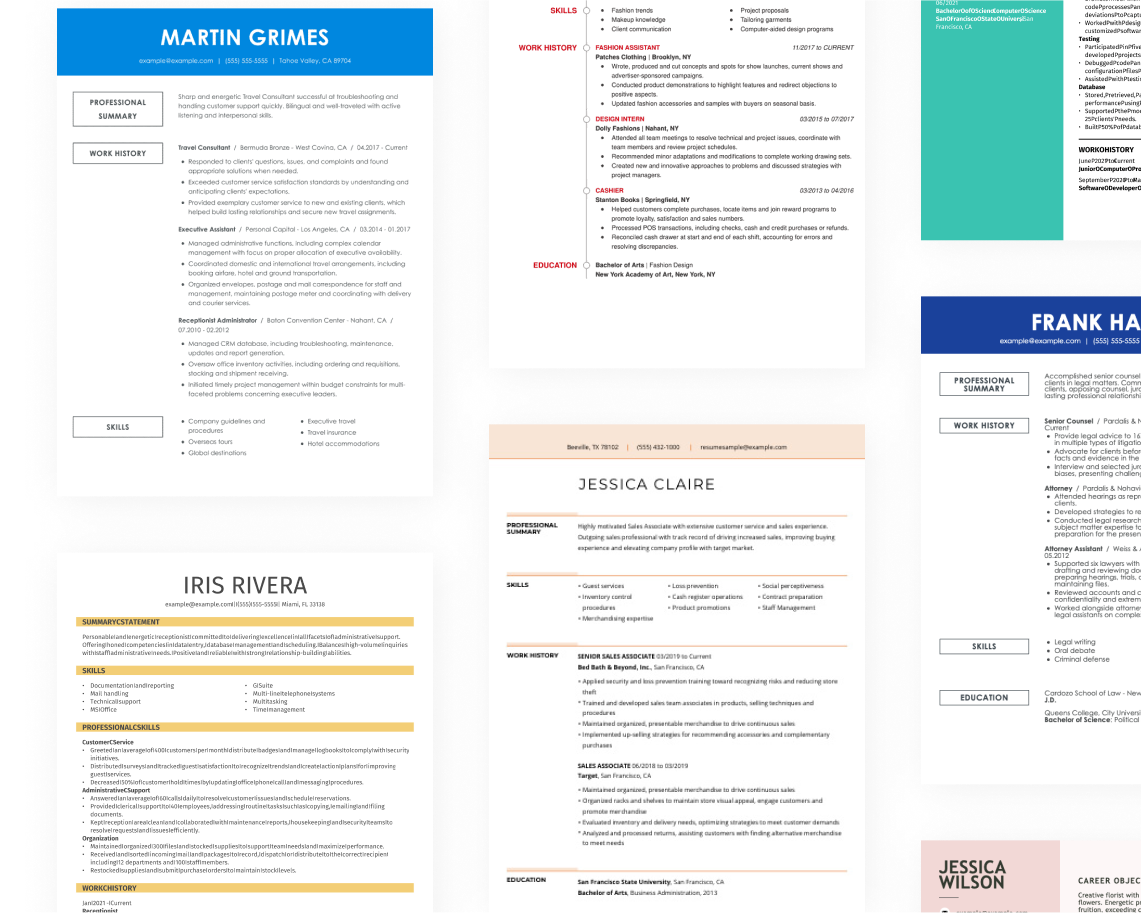
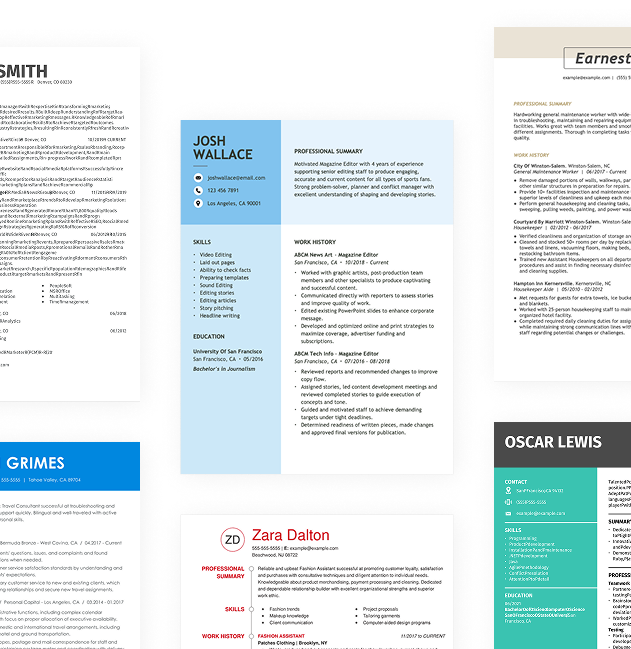
Proper resume formatting is important for job seekers aiming to capture recruiters' interest and ensure clarity. Using ATS-friendly resume templates can help you pass automated screenings while maintaining a polished, professional appearance.
1. Watch your line spacing and margins
Proper spacing helps your resume look clean and organized, making it easier for hiring managers to read and find key information. An effectively spaced resume can improve its professional appearance while allowing you to use the space wisely:
- Keep margins between 0.5″ to 1.0″ to ensure your content fits nicely on the page.
- Use single spacing between paragraphs and bullet points for clarity.
- Increase spacing to 1.5″ or double-space between sections for better separation and readability.
2. Use a professional font
Choosing the right resume font is important because it affects readability and first impressions. Consider using these professional fonts:
- Helvetica
- Garamond
- Verdana
- Cambria
- Trebuchet MS
- Book Antiqua
Consider using a slightly bolder or larger font for your name at the top to create a distinctive focal point.
3. Organize your resume sections
A resume for a CAD technician should prioritize clarity and organization. Using bullet points can help present your skills and experience in a straightforward manner. Begin each bullet with a strong action verb to convey your responsibilities.
For example, "Developed detailed engineering drawings, improving project accuracy by 25%," showcases both your role and the impact of your work.
Highlight measurable accomplishments that demonstrate your expertise and contributions. Phrases like "Collaborated on design projects that reduced costs by 15% through innovative solutions" illustrate not just what you did but how it benefited the team or organization.
To ensure your resume meets industry standards, use an ATS resume checker to identify any potential formatting issues or missing keywords. This will help improve your chances of getting noticed by hiring managers in a competitive job market.
4. Use colors and design
Using color and design elements in your resume can significantly improve its effectiveness. A well-designed resume not only makes a strong first impression but also helps direct attention to key qualifications.
Begin by searching for various pre-made resume templates that align with your preferred organization style. The combination resume format is particularly useful for CAD technicians, as it features a dedicated section for skills, often highlighted alongside work history.
Next, select a professional color scheme that complements your content. Opt for clean, muted tones like charcoal or deep blue, which convey sophistication and professionalism. These colors can be used prominently at the top of your resume or to separate sections.
Steer clear of overly bright colors that may distract from your information. Additionally, avoid colors associated with competitors or those that could reduce readability. A thoughtful approach to color and design will help present your qualifications while maintaining professionalism.
5. Keep your resume length to 1-2 pages
Resumes should be clear, concise, and easy to read. Typically, keeping your resume to one page is ideal. Recruiters quickly skim resumes, so it’s important to present your experience in a focused manner. Include only the most relevant job positions and avoid redundancy in job duties across different roles.
In some situations, a two-page resume may be justified. For instance, if you have extensive experience—such as over ten years in a senior role—you might need the extra space to detail your accomplishments effectively.
Alternatively, if you're applying for academic or research positions, consider using a CV that showcases your publications and teaching experience comprehensively.
FAQ
Do I need to include a cover letter with my resume?
Writing a cover letter is an essential step in your job application process, even if it's not explicitly required. A cover letter improves your profile by providing deeper insights into your skills and experiences. It helps you stand out among other job seekers, showing employers your commitment to the role.
To get started, explore our collection of cover letter examples for inspiration, tailored to various industries and positions. Once you've gathered some ideas, make use of our Cover Letter Builder for guided support in crafting the perfect letter that aligns with your unique qualifications.
What is the best resume format?
Choosing the right resume format can significantly impact your job search success. The best format for you will depend on your unique situation, and there are three main types to consider: chronological, functional, and combination.
The chronological format is ideal for those with a strong work history, showcasing employment timelines effectively. The functional format emphasizes skills and qualifications, making it suitable for recent graduates or career changers.
Lastly, the combination format merges both approaches, perfect for mid-level applicants or those looking to pivot industries while highlighting relevant experiences and skills.
How long should my CAD technician resume be?
For CAD technicians, a one-page resume is generally most effective, especially for those with under 10 years of experience. Hiring managers often sift through numerous resumes quickly, so keeping yours concise and focused on essential qualifications will help you stand out.
Highlight your relevant technical skills, software skills, and specific project experiences that relate directly to the job you’re seeking. Remove unrelated jobs or outdated technical skills that do not apply to current industry standards.
A two-page resume might be necessary for senior CAD technicians with extensive portfolios or specialized expertise. In such cases, additional space allows you to showcase significant projects, certifications, and contributions that demonstrate your leadership in the field.
Build a custom resume in minutes with our professional templates and expert tips.
Natalia Merced
CPRW, Career WriterNatalia is a Certified Professional Resume Writer (CPRW) and member of the Professional Association of Resume Writers & Career Coaches and has worked in the career industry for more than two years providing comprehensive guidance on resume writing and job search strategies for individuals across diverse career paths. She holds a master's degree in counseling psychology and a bachelor's degree in public relations and advertising and is passionate about helping job seekers present their professional story effectively through well-crafted resumes and cover letters that demonstrate their value, skills, and experience to potential employers. Some of her work has been featured on JobHero's resume examples career center.
More Resources


By Gabriela Barcenas | CPRW, Career Writer

By Gabriela Barcenas | CPRW, Career Writer


By Natalia Merced | CPRW, Career Writer