-
-
Sort through our administrative resume examples to see what works best for you.
-
Our sales resume examples can help you write the best possible resume.
-
Explore our food service resume examples to show your skills effectively.
-
Start crafting your job-winning resume with our teaching resume examples.
-
-
-
Use our administrative cover letter examples for ideas on writing your own.
-
Use our sales cover letter examples to effectively show your sales accumen.
-
Write your job-winning cover letter following our nursing cover letter examples.
-
Learn to tell your story in education using our teaching cover letter examples.
-






- Our customers have been hired by*


Entry-Level Photo Editor Resume
This resume example showcases the unique skills and experiences relevant to both recent graduates and career changers, making it a valuable resource for entering the photo editing industry.

Why this resume works:
A skills-focused resume is perfect for photo editors new to the field, returning, or changing careers. It highlights advanced photo editing, Adobe Creative Suite mastery, and visual storytelling skills over employment gaps. Showcasing strengths in creative collaboration and team leadership can effectively demonstrate your qualifications beyond traditional experience metrics.

Mid-Career Photo Editor Resume
This photo editor resume example is ideal for professionals with experience looking to elevate their careers by showcasing their technical skills and leadership abilities in visual arts.
Why this resume works:
Mid-career photo editors can demonstrate their impact by noting a 45% improvement in photo quality through advanced editing techniques or achieving a 30% increase in workflow efficiency by developing streamlined processes. They may also highlight managing projects that generated $50,000 in revenue while supervising a team of five visual editors.

Experienced Photo Editor Resume
This resume example is tailored for experienced photo editors pursuing senior roles, showcasing leadership and a proven impact on project quality and efficiency.
Why this resume works:
Leadership roles and advanced certifications underscore the ability to manage complex scenarios.

Looking for something else?
Create Your Standout Resume Today
Use our resume examples for inspiration on organization, color, and design—and learn how to effectively summarize your photo editor skills and experience with confidence.

How to Write a Photo Editor Resume
Learning how to write a resume is essential because it allows you to showcase your unique value rather than just listing your credentials. A well-crafted resume highlights your skills and experiences, helping you stand out in a competitive job market.
In the upcoming sections, we will offer detailed guidance on resume creation, including resume tips for organizing your contact information, work history, education, and additional elements to strengthen your application.
Start with your contact info
The header section contains all your contact information and should be prominently placed at the top of your resume. Begin with your name in a bold, larger font to make it easily recognizable. This is important for catching the attention of recruiters who sift through numerous applications.
Include key details such as your email address, phone number, and location. While providing a full address isn't necessary, listing your city, state, and ZIP code can confirm your eligibility for local positions. This information also aids applicant tracking systems (ATS) in accurately processing your application.
Consider adding links to relevant certifications or an online portfolio that showcases your work as a photo editor. These additional resources can significantly improve your application by demonstrating your skills and creativity, especially if they align closely with the job requirements you're targeting.
Write a strong professional summary
A professional summary is a brief overview of your qualifications and skills. It's typically located right below your contact information, making it the first element recruiters see after your name.
This section should highlight your key competencies, passion for photography, and how you can contribute to the role of a photo editor. Tailoring this summary to fit the specific job will help demonstrate your suitability for the position.
Explore various resume summary examples that can guide you in crafting a compelling introduction tailored to showcase your unique talents and align with potential employers' needs.
Strong vs weak photo editor summary
Strong

"Creative and careful photo editor with over seven years of experience in digital media. Proven track record of improving visual storytelling through expert image retouching, color correction, and composition techniques. Adept at collaborating with photographers and clients to deliver high-quality results on tight deadlines. Proficient in Adobe Creative Suite and recognized for improving workflow efficiency by 30%."
Why this example works: This summary effectively highlights the job seeker's experience, measurable achievements, specific skills related to photo editing, and incorporates relevant keywords for the industry.
Weak

"Photo editor seeking opportunities to use my skills in photography and image editing. I have experience with various software and enjoy working on creative projects."
Why this example doesn't work: This professional summary is weak because it uses vague language and does not highlight specific technical skills, achievements, or relevant experience that would showcase the applicant's qualifications for a photo editor role.

Highlight your interpersonal skills on your photo editor resume by showcasing effective collaboration and communication with clients and team members. Providing specific examples, such as how you resolved creative differences or improved project efficiency, will demonstrate your ability to foster positive working relationships in a fast-paced environment.
Share your work history
Your work history is, arguably, the central and most important part of your resume. List your most recent roles in reverse chronological order. This format allows employers to quickly assess your current skills and experience, showcasing your growth as a photo editor.
When listing your work history, focus on:
- Job title and company name
- Dates of employment (month and year)
- Key responsibilities (What editing tasks did you perform daily?)
- Achievements and contributions (Did you improve visual storytelling or client satisfaction?)
- Measurable results (Use numbers when possible, such as "increased engagement by 30% through improved imagery.")
Finally, be sure to use action verbs to make your accomplishments stand out.
Strong vs weak photo editor work history
Strong
Photo Editor, Creative Media Agency
2019–2023
- Edited over 1,500 images for marketing campaigns, achieving a 40% increase in client engagement.
- Collaborated with photographers and graphic designers to create visually compelling content, improving project turnaround time by 25%.
- Developed and implemented a new workflow system that reduced editing errors by 15%, improving overall quality control.
Why this example works: A strong work history section provides specific details about your achievements and responsibilities. It highlights quantifiable results and technical expertise that showcase both your editing skills and collaborative abilities.
Weak
Photo Editor
Creative Studio
- Edited photos and made them look better.
- Worked with files and sent them to clients.
Why this example doesn't work: This entry is ineffective because it lacks specificity about the type of photo editing done, fails to include dates, and describes very general tasks that could apply to any editor.
To improve your visibility as a photo editor, add your resume to LinkedIn. Showcase your best work in the featured section and use industry-specific keywords in your summary. Engage with creative communities and share insights on trends to attract the attention of potential employers and collaborators.
Highlight your key skills
The skills section of your resume is essential for showcasing your strengths as a photo editor. Here's a rundown of various types of skills and their significance in improving your candidacy:
- Soft skills are personal attributes demonstrating your collaboration style with others—such as creativity, attention to detail, and communication. In photo editing, skills like teamwork and constructive feedback hold importance as they improve the editing process and ensure a cohesive vision in visual storytelling.
- Hard skills for a photo editor include specific technical abilities that are developed through training and experience. Examples of these skills are skill in Adobe Photoshop, expertise in color correction techniques, image retouching capabilities, and a solid understanding of composition and lighting principles.
- Technical skills for a photo editor emphasize expertise with specific software and tools. Key examples include Adobe Photoshop for image manipulation, Lightroom for photo editing, and Capture One for raw file processing.
For new photo editors, it's recommended to position your skills section near the top of your resume to highlight your abilities despite limited experience. If you have substantial experience, place it after your work history as this layout will showcase your skills more prominently.
Top 15 skills for your photo editor resume
When crafting your resume as a photo editor, it's essential to showcase skills that align with industry expectations. Focus on a mix of technical abilities and soft skills that highlight your adaptability. These transferable skills not only improve your qualifications but also appeal to a wider range of potential employers.
Below is a list of the top 15 skills for photo editors, drawn from insights shared by JobHero users. These skills reflect what’s trending in the field and will help you stand out when applying for positions within this creative profession.
Build your education section
When crafting your resume, the education section's prominence largely hinges on your experience level and industry. For seasoned professionals in the photo editing field, showcasing extensive work history and a robust portfolio should take precedence over educational details. In such cases, consider placing the education section towards the end or omitting it if you lack formal qualifications.
Conversely, for recent graduates or those pivoting into specialized areas of photo editing, education is vital. Highlight relevant degrees, certifications, and any specialized training at the top of your resume to draw attention to these important qualifications.
Ultimately, tailor your approach based on your background and job requirements. A strategic presentation can significantly impact how hiring managers perceive your suitability for the role.
20 action verbs to add to your resume
Using action verbs in your resume significantly improves its impact by clearly articulating your experience and achievements. These powerful verbs engage the reader, making your qualifications more compelling and memorable.
For a photo editor, selecting action verbs that align with key skills highlighted in job postings is important. This thoughtful choice ensures relevance and demonstrates your fit for the role.
- Edited
- Retouched
- Improved
- Composed
- Colorized
- Transformed
- Curated
- Collaborated
- Optimized
- Created
- Produced
- Directed
- Modified
- Stylized
- Integrated
- Published
- Formatted
- Captured
- Arranged
- Presented
Consider additional resume sections
While your core resume provides the most critical information, adding targeted sections can showcase your unique qualifications. These sections help hiring managers quickly identify your creative skills, technical expertise, and accomplishments beyond standard resume sections.
Here are optional sections we tend to see on photo editor resumes:
- Portfolio highlights: Include links or descriptions of standout projects that showcase your editing style and versatility.
- Software skill: Detail the editing software you're experienced with (Adobe Photoshop, Lightroom, etc.) and any advanced techniques.
- Certifications and courses: Highlight any relevant certifications or specialized courses that demonstrate your commitment to continuous improvement in photo editing.
- Client testimonials: Provide brief quotes from clients or colleagues praising your work ethic and creativity.
- Exhibitions and publications: List any exhibitions where your work has been displayed or publications featuring your photography.
5 Tips for Formatting Your Resume
Proper resume formatting plays an important role in attracting the attention of recruiters and ensuring that applications pass through ATS filters. By using ATS-friendly resume templates, job seekers can present their skills and experiences in a way that improves readability and engagement, increasing their chances of landing an interview.
1. Watch your line spacing and margins
Proper spacing helps your resume look clean and organized, making it easier for hiring managers to read. Adequate spacing not only improves visual appeal but also emphasizes the important details of your qualifications. Here's what works best:
- Keep margins between 0.5" to 1.0", depending on how much space you need.
- Use single spacing between paragraphs and bullet points.
- Increase the space to 1.5" or double space between sections for clarity.
2. Use a professional font
Choosing the right resume font is important because it affects readability and first impressions. Consider using these professional fonts:
- Helvetica
- Garamond
- Verdana
- Trebuchet MS
- Courier New
- Book Antiqua
For your name in the header, opt for a slightly bolder or larger font to create visual interest and emphasize your identity.
3. Organize your resume sections
A resume should be clear and visually appealing. Use bullet points to present your experience in a concise format. Start each bullet point with a strong action verb that highlights your creative contributions, such as "Improved image quality by using advanced editing techniques."
Focus on measurable outcomes to demonstrate your impact, like "Increased client satisfaction ratings by 30% through timely project delivery and innovative visual solutions." This method not only boosts readability but also showcases your achievements in an compelling way.
To ensure your resume meets industry standards, employ an ATS resume checker. This tool helps confirm that your formatting and keywords align with what employers seek in photo editors today.
4. Use colors and design
Incorporating color and design elements in your resume can improve its visual impact and communicate your creativity. A well-crafted resume not only captures attention but also highlights your unique skills as a photo editor.
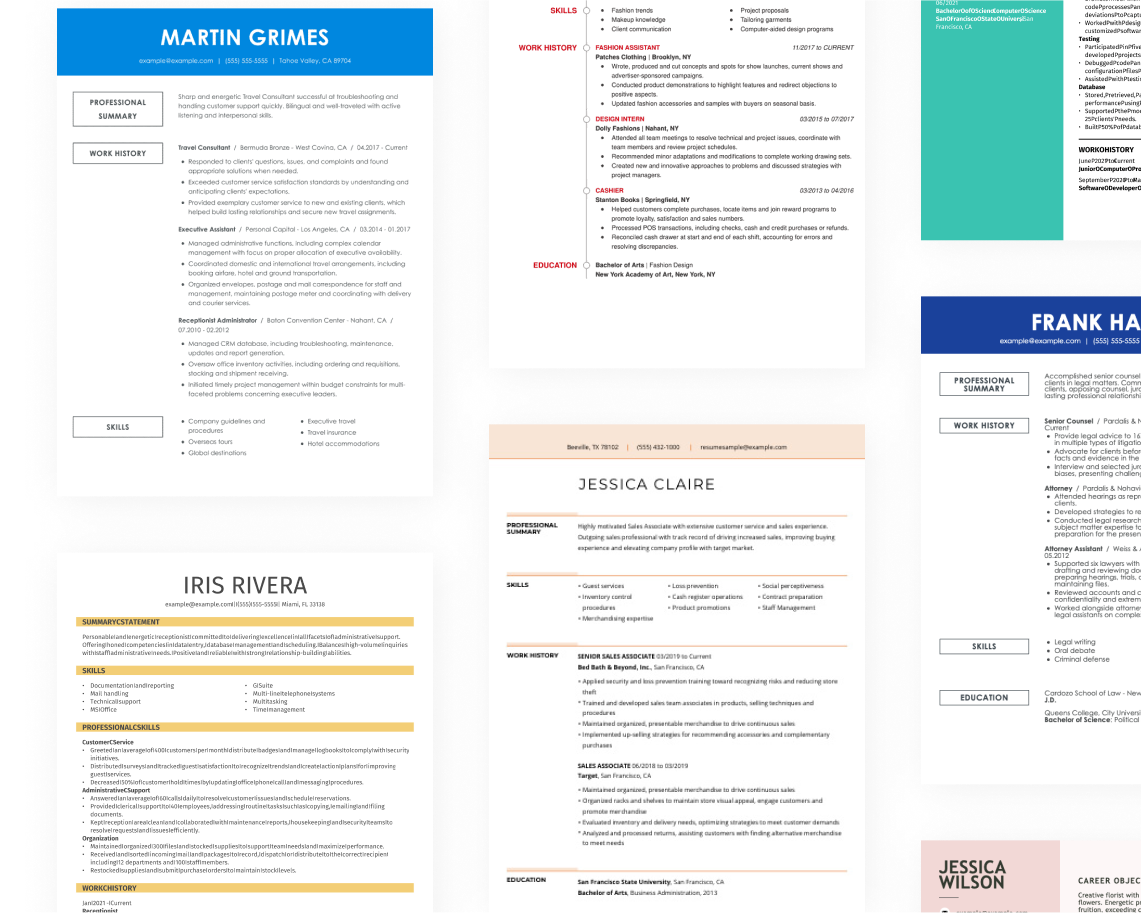
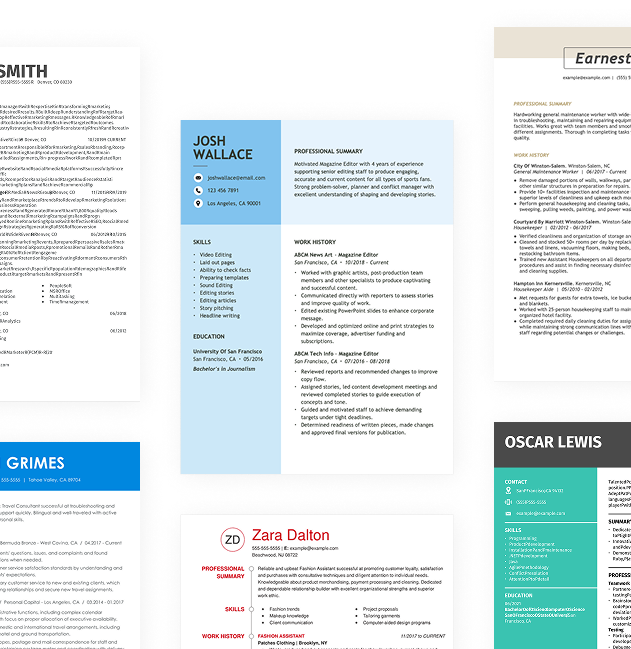
Begin by selecting a template that aligns with your aesthetic. The combination resume format is particularly helpful, allowing you to showcase both your creative portfolio and work experience side by side. This format emphasizes your artistic abilities while maintaining clarity.
Next, choose an appropriate color scheme. Opt for colors that convey professionalism while reflecting your personal style. Subtle tones like soft grays or muted blues can offer a clean look, while deeper shades like charcoal or forest green can add sophistication when used at the header or section dividers.
Avoid using overly bright colors that may detract from the readability of your content. Additionally, steer clear of colors associated with competitors or those perceived negatively in the industry. Thoughtful design choices will ensure that your resume stands out positively and showcases your expertise as a photo editor.
As a photo editor, your resume can be an expression of your creative flair and technical expertise. Showcase your skills by incorporating dynamic layouts, vibrant color schemes, and unique typography. These elements can highlight your ability to improve imagery and capture attention.
Remember to tailor the design to the company's culture and industry standards. For instance, a fashion magazine might appreciate bold visuals and trendy designs, while a corporate firm may prefer a clean and minimal approach. Regardless of style, ensure that readability remains intact for easy understanding by potential employers.
5. Keep your resume length to 1-2 pages
A photo editor's resume should be clear, engaging, and focused. Typically, one page is ideal since hiring managers often spend only a few seconds reviewing each submission. Highlight your most relevant experience and skills that align with the job description. Ensure you showcase your best work by including notable projects or achievements instead of listing every role you've held.
In some cases, extending to two pages is acceptable. For instance, if you have extensive experience in high-level positions or unique projects that demonstrate significant impact, it may warrant additional space. Alternatively, if you're pursuing academic opportunities or roles within research institutions, consider using a CV to present your qualifications comprehensively.
Always tailor your content specifically for the position you're applying for to improve your chances of being noticed.
FAQ
Do I need to include a cover letter with my resume?
Crafting a cover letter can significantly improve your job application, even if it’s not a strict requirement. It allows you to showcase your personality and provide context about your experiences, making you more memorable to hiring managers. If you're looking for tips on writing a cover letter, we have resources that can help.
If you're unsure where to begin, explore our collection of cover letter examples for inspiration tailored to various industries. Once you're ready to create your own, our Cover Letter Builder offers a user-friendly approach to guide you step-by-step through the writing process.
What is the best resume format?
Choosing the right resume format is essential and depends on your individual career situation. The three main formats are chronological, functional, and combination. Each serves a specific purpose for job seekers at different levels of experience.
The chronological format is ideal for those with a solid work history to showcase. The functional format focuses on skills and qualifications, making it suitable for recent graduates or those changing careers. The combination format mixes both approaches, making it beneficial for mid-level professionals or individuals transitioning between industries.
How long should my Photo Editor resume be?
As a photo editor, your resume should ideally fit on one page, especially if you have less than 10 years of experience. Hiring managers often skim through resumes quickly, so keeping it concise allows your standout skills and experiences to shine.
Highlight relevant editing software skill, notable projects, and any specialized training. Focus on recent work that aligns with the job you're seeking, while trimming away older roles or unrelated experiences that don’t add value.
Consider extending to two pages only if you’re a senior photo editor with extensive portfolios or multiple accolades. In such cases, showcasing your depth of experience and achievements can be justified with the extra space.
Build a custom resume in minutes with our professional templates and expert tips.
More Resources

By Gabriela Barcenas | CPRW, Career Writer


By Natalia Merced | CPRW, Career Writer

By Natalia Merced | CPRW, Career Writer

By Natalia Merced | CPRW, Career Writer

By Gabriela Barcenas | CPRW, Career Writer